See Our Floors in Your Home

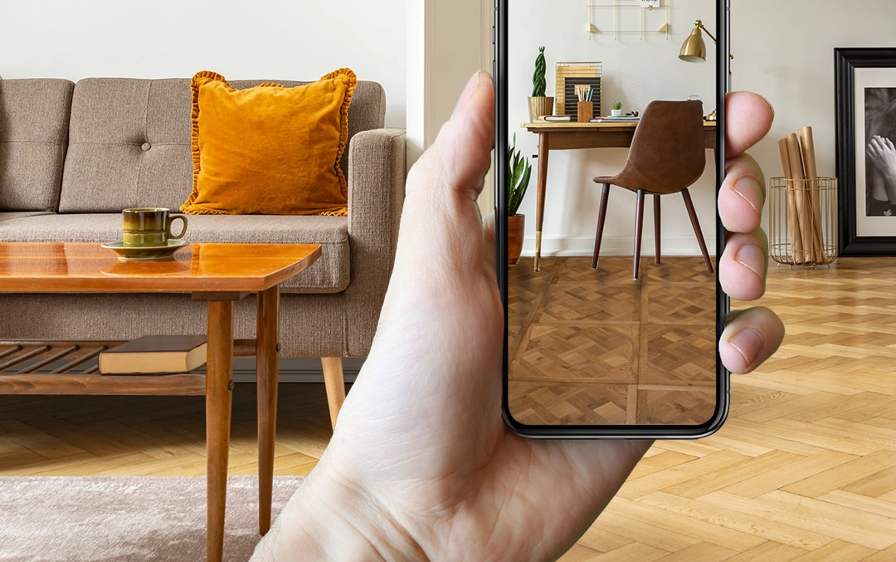
Our Room Visualiser lets you see our floors in your own space before you buy.

Just upload a photo of your room and try out different styles to get a feel for how they’ll actually look with your walls, lighting and furniture.

How does it work?

Upload your photo
1.

Upload your photo

First, upload a photo of your space or choose one of our room templates.

Try different floors
2.

Try different floors

Browse our flooring styles and see them in your room, or choose a floor on our website and click the ‘See it in your room’ button.

Order your free samples
3.

Order your free samples

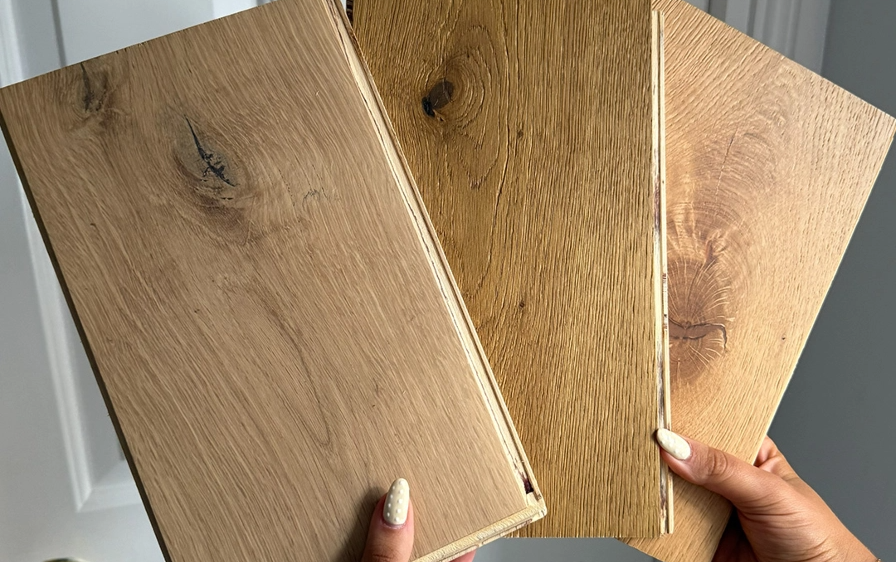
Compare your options, pick your favourite styles, and order your free samples to see them in real life.

Order unlimited free samples

Order as many free samples as you like to find your style! Free next-day delivery included.

Free Samples

Discover your new favourite floor

Need some advice? Request a callback to speak to one of our friendly flooring experts to help you find your dream floor.

Request Call Back

Why Use Our Room Visualiser Tool?

Our Room Visualiser is a simple way to take the guesswork out of choosing flooring.

Instead of imagining it, you can see it — and feel confident the floor you pick will suit your home perfectly!

How Do I Use it?

You can use our visualiser on your laptop, desktop, tablet or phone — it works smoothly across all devices.

Just snap a photo of your room, upload it, and your current floor is instantly swapped out for the one you’re viewing! You can even rotate the floor to see how it looks laid different ways, then save or share the image when you’ve found a style you love.

Loading...